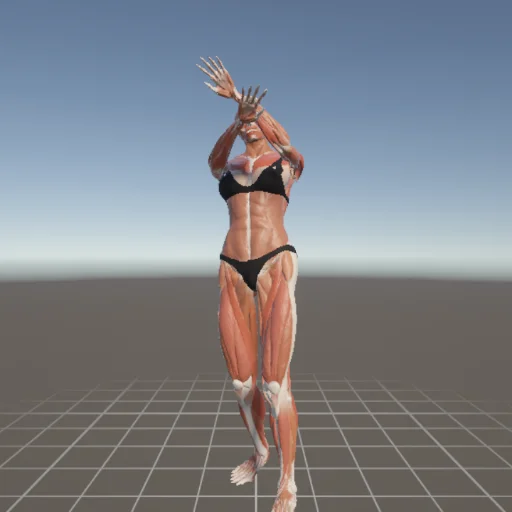
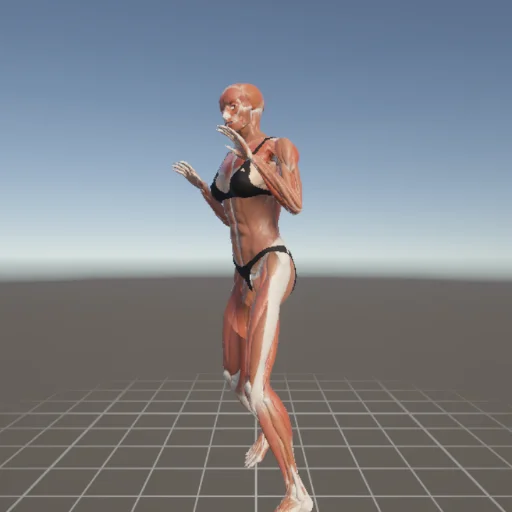
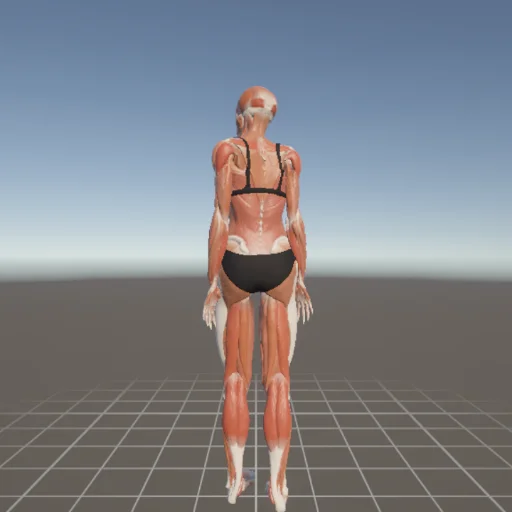
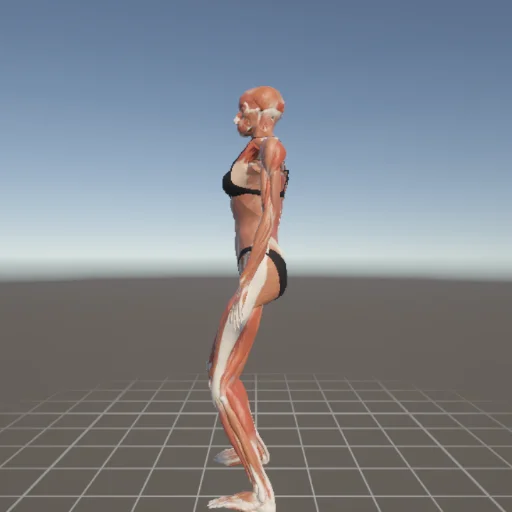
What is PoseMirror?
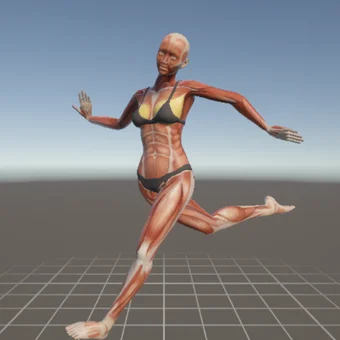
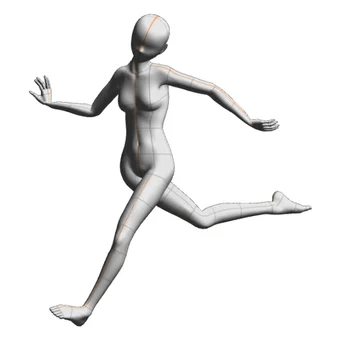
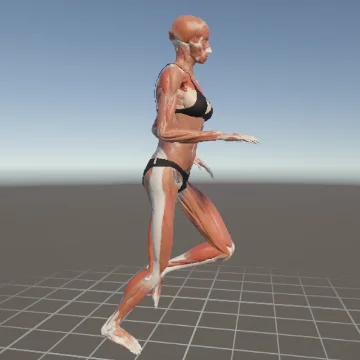
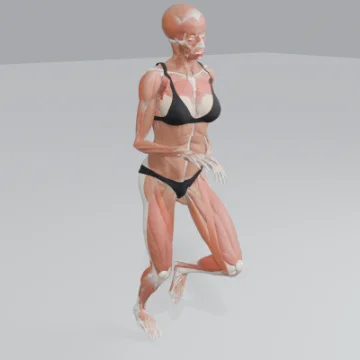
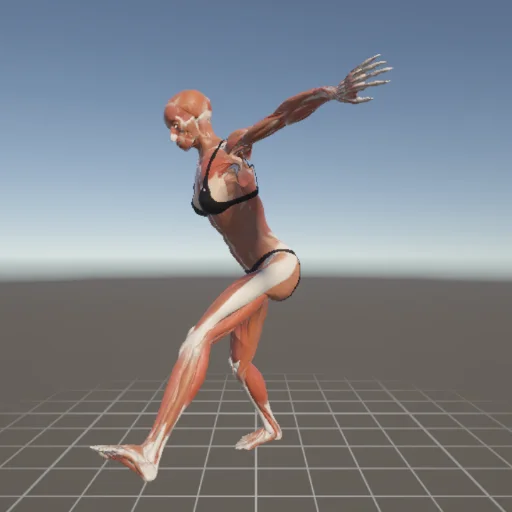
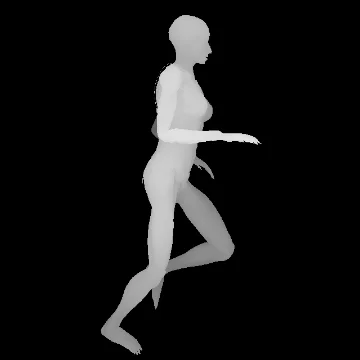
PoseMirror (also written Pose Mirror) is a free 3D drawing mannequin that runs in your browser.
Read a pose from a photo, move the joints yourself, or pick from 300+ ready-made poses.
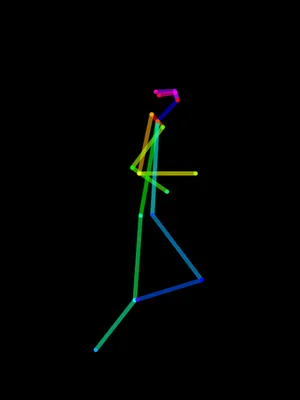
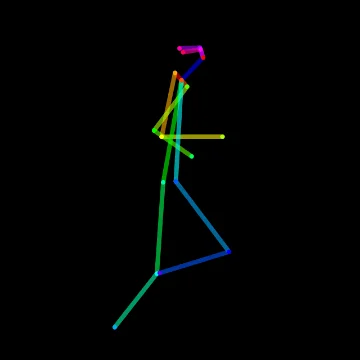
You can then use the pose in CLIP STUDIO PAINT, Blender and other 3D software, or as an OpenPose guide for ControlNet.
There is nothing to install and no account to create — open the page and it runs.
It does not generate images. The detection here is body tracking — the same class of
measurement used for motion capture. It reads where the joints are in your photo and moves a
mannequin to match. Nothing is drawn for you and nothing is invented. Your photo also stays with
you: detection runs locally in your browser and the image is not uploaded anywhere (unless detection fails and you choose to send that photo).
If you draw, you probably know the moment this is built for.
You found a reference photo, and then you think "I want to see this from slightly above" or
"what does the back of this look like?" — and you stop.
Imagining the side you cannot see from a single flat photo is hard even after years of practice.
Rebuilding the same pose by dragging a 3D mannequin joint by joint works, but it eats the time you wanted to spend drawing.
PoseMirror automates the part in between. Feed it one photo, the tracker measures where the joints are
and pushes them into a 3D model, and from there you just orbit the camera to whatever angle you need.
Key features: pose detection (MediaPipe Pose — 33 body landmarks), real-time transfer to a 3D mannequin,
per-joint fine adjustment, a library of 300+ ready-made poses, favorites saved on your device,
export to CLIP STUDIO PAINT (BVH), ControlNet (OpenPose image, depth map) and 3D software (GLB),
and English / Japanese / Chinese UI. Built with Unity WebGL, it runs entirely in the browser.
Export your pose to CLIP STUDIO PAINT, ControlNet and 3D software
With the PRO plan, you can export a pose in four formats.
CLIP STUDIO PAINT: BVH
Drag and drop the exported BVH onto the CLIP STUDIO PAINT canvas, or import it with File → Import → 3D Data, and the pose is applied to the 3D drawing figure. Requires CLIP STUDIO PAINT Ver. 3.1 or later.
Image generation (ControlNet): OpenPose image and depth map
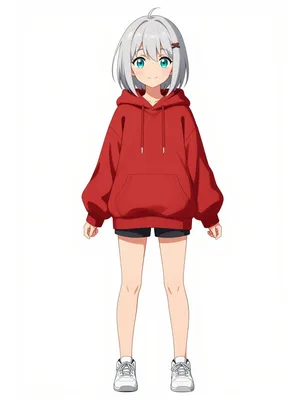
Load the OpenPose image along with your character image in ComfyUI or a similar tool to generate that character in this pose. The OpenPose image and depth map also work with Stable Diffusion ControlNet. PoseMirror itself does not generate images.
Blender and other 3D software: GLB
Saves the pose as a 3D model (.glb) that opens in glTF-compatible software such as Blender and Unity (no rig included). Set your own camera and lighting for sketch references or composition checks.
You can use exported data to create your own works, including commercial ones. You may not redistribute or sell the exported data itself as an asset (see the Terms).
A free 3D drawing mannequin, with no paywall in the way
The usual problem with free posing tools is working out where the free part stops.
With PoseMirror, photo-based pose detection, the 300+ pose library, orbiting and zooming the 3D model,
and PNG export are all free without an account. There is no trial timer and no sign-up wall.
What the PRO plan adds is narrow: the action and two-person pose categories,
applying both people in a two-person photo to 3D, more favorite slots (1 → 100),
and the exports above (BVH, OpenPose image, depth map, GLB).
How to Use
- Select an image: Under
1. POSE DETECTION, use the file picker ("Choose File") to select a photo with a person in it.
- Analyze the pose: Click "Run Detection". The tracker extracts joint positions from the image. If detection fails, a notice appears over the photo — try a different one.
- Apply to the model: Once "Send to Model Viewer" becomes active, click it. The 3D model strikes the same pose as the photo.
- Fine-tune the pose: Click each body part of the model to show XYZ-axis controllers. Use the on-screen buttons to adjust it into the shape you actually want to draw.
- Save your pose: Save a finished pose to this device with "☆ Favorite" above the Model Viewer, and reload it anytime from the "Favorites" tab (Free: 1 slot, PRO: up to 100).
No photo? Use the library of 300+ poses
For when you have no reference at hand — or no idea what pose you want — the app ships with a preset library.
Pick one and the 3D mannequin takes that pose immediately. The breakdown by category:
- Standing — 117 poses: neutral stances, contrapposto with the weight on one leg, the first step of a walk
- Action — 162 poses: running, jumping, punching, kicking, sword swings, pitching, dance
- Sitting — 36 poses: on a chair, on the floor, twisting to look back
- Lying — 19 poses: face down, face up, on the side
- Kneeling — 7 poses: both knees, one knee raised
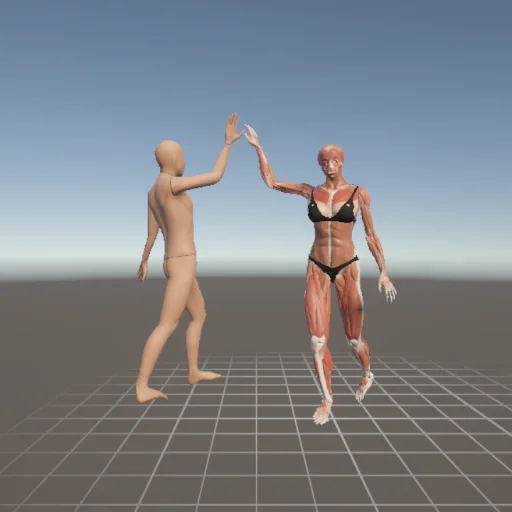
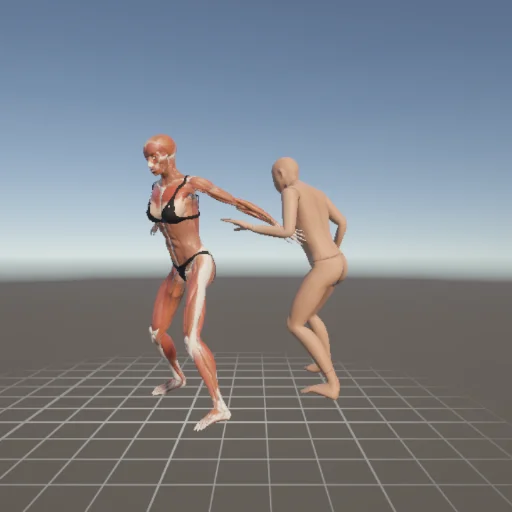
- Two-person — 18 poses: handshake, linked arms, high five, arm wrestling
The full index lives on the pose library page.
Click any pose and this app opens with it applied.
Most of the action poses come from CMU motion-capture data, so they avoid the
"weight isn't really on anything" stiffness you get from hand-built mannequin poses.
An online mannequin instead of another installed app
Most drawing mannequins are phone apps, and installing one means thinking about storage and yet another account
before you have posed anything. For a single "let me just check this angle" moment, that is a lot of friction.
PoseMirror opens in a browser tab instead. On a phone or a desktop, the link is the whole setup.
It works well parked in a second tab next to whatever you are drawing in, ready to be rotated when you need it.
Images you upload are processed entirely in the browser and not sent to a server. The only exception is when detection fails and you press “Send this photo to help improve”: that one photo is viewed only by the developer and deleted after 30 days.
Requirements and limitations
Runs in the major desktop and mobile browsers (Chrome / Safari / Edge) on any device supporting WebGL 2.0.
Uploaded images are processed only inside your browser and are never transmitted or stored
(see the privacy policy).
The weak spots, stated plainly: because this is joint estimation, fine hand and finger shapes
are not reproduced — the model detects 33 body landmarks and fingers are not among them.
Photos where several people overlap also break, because the estimator mixes up whose limb is whose
(if two people stand side by side, the PRO plan can apply both of them to 3D).
A single full-body subject with a clear silhouette gives the most reliable result.
Frequently asked questions
- Is PoseMirror free?
- Yes. Photo-based pose detection, the preset pose library and PNG export are all free with no sign-up. Only a few features — action and two-person poses, and exports for CLIP STUDIO PAINT, ControlNet and 3D software — require the PRO plan.
- Can I use my pose in CLIP STUDIO PAINT or ControlNet?
- Yes, with the PRO plan. Export BVH for the CLIP STUDIO PAINT 3D drawing figure, an OpenPose image and depth map for ControlNet, or GLB for Blender and other 3D software.
- Do I need to install anything or create an account?
- No. It runs in the browser as-is. Images you upload are processed entirely on your device and are not sent to or stored on a server, unless you choose to send a photo that failed detection.
- Does it work on a phone?
- Yes. It runs in the major desktop and mobile browsers (Chrome / Safari / Edge) on any device that supports WebGL 2.0.
- Can I make a pose without a photo?
- Yes. The Browse tab has a library of 300+ ready-made poses (standing, sitting, kneeling, lying, action, couple) — pick one and the 3D mannequin takes that pose.
- When is the pose detection least accurate?
- Fine hand and finger shapes, and photos where several people overlap. A single full-body subject with a clear silhouette gives the most reliable result.
Why it was built
The author draws manga, and kept giving up partway through posing a 3D mannequin joint by joint.
Rather than assembling joints by hand, the idea was flipped — read the pose out of a photo automatically —
and PoseMirror was built on Google's MediaPipe.
The problems hit along the way (bone twist when mapping MediaPipe coordinates onto Unity bones,
getting WebGL to behave on phones) are written up on the development blog.